meta_title: Network Forensics: Investigating Evidence From Network Traffic and Logs | Digital Forensics Today
meta_description: Network forensics guide: packet capture analysis, firewall log investigation, DNS logs, DHCP records, and how network evidence is used in legal proceedings.
slug: network-forensics
primary_keyword: network forensics
secondary_keywords: network traffic investigation, packet capture forensics, firewall log analysis
Network Forensics: Investigating Evidence From Network Traffic and Logs
Network forensics is the discipline of capturing, preserving, and analyzing network traffic and logs to reconstruct events, attribute actions to individuals, and support legal proceedings. In corporate investigations, breach response, and civil litigation, network evidence often provides the clearest picture of what happened — because it records activity in real time, separate from the endpoints the subject may have wiped.
What Network Forensics Investigates
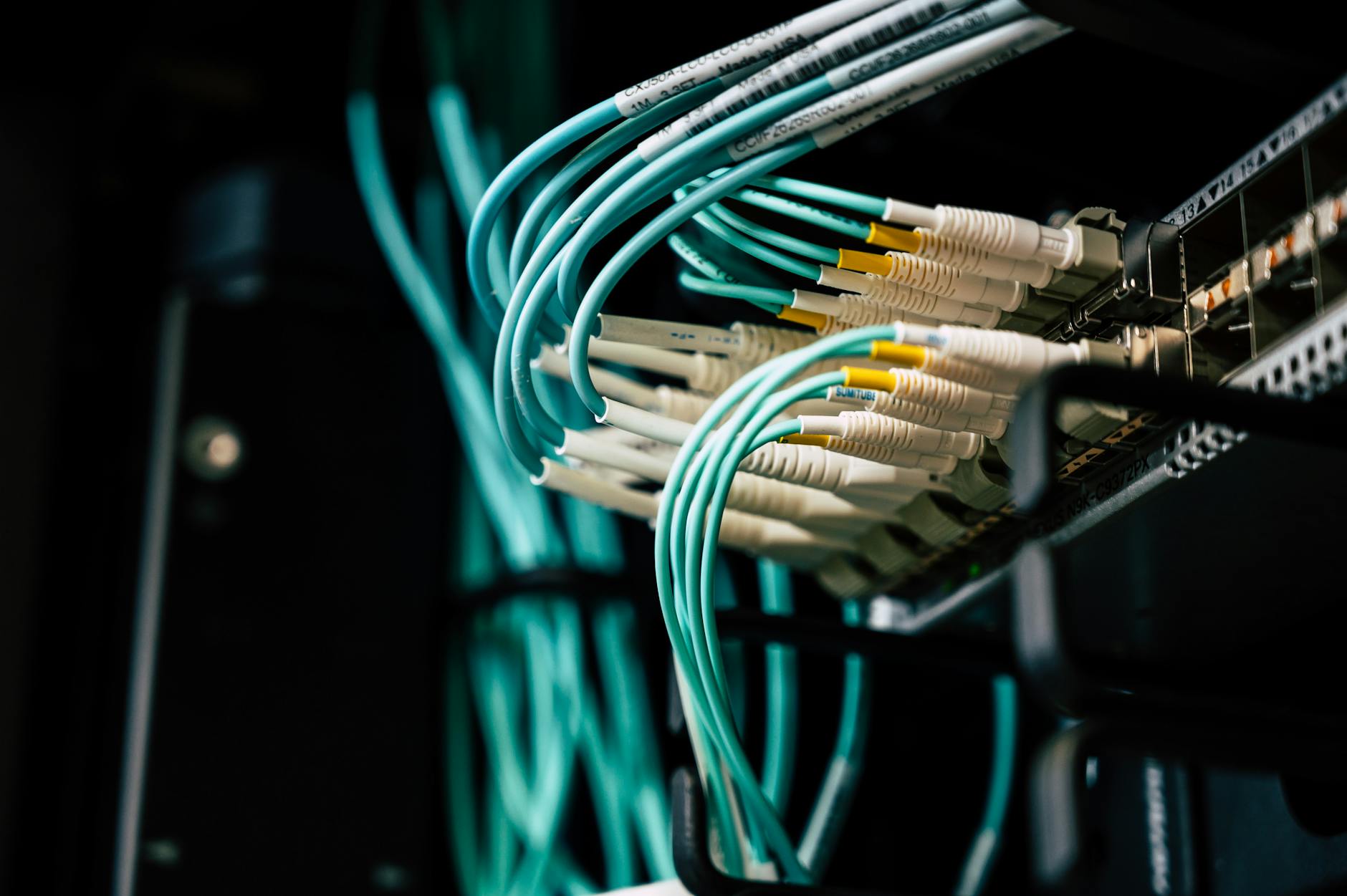
Network forensic evidence falls into several categories:
Captured Packets (Full Packet Capture)
When a network monitoring system captures raw packets (full PCAP), investigators can reconstruct the actual content of unencrypted communications — website requests and responses, FTP transfers, unencrypted email — frame by frame. PCAP is the gold standard of network evidence but is rarely available outside of environments with dedicated monitoring infrastructure.
NetFlow / IPFIX Records
NetFlow records the metadata of network connections: source IP, destination IP, ports, timestamps, and data volumes — but not the content. NetFlow is widely available in enterprise networks from routers and firewalls, even when full packet capture is not deployed. NetFlow can answer “who connected to what, when, and how much data transferred” without revealing what was in the transfer.
Firewall and Proxy Logs
Enterprise firewalls and web proxies log every connection attempt and web request. These logs provide:
DNS Logs
DNS queries are generated before any connection is established — the client asks “what IP address is example.com?” before making the connection. DNS logs therefore capture every domain lookup, including requests that were never successfully connected. DNS logs are available from internal DNS resolvers, DHCP servers, and in some cases from the endpoint itself.
DHCP Records
DHCP logs record IP address assignments: which MAC address received which IP address and when. When network logs capture an IP address in an incident, DHCP records tie that IP address to a specific physical device.
Network Evidence for Attribution
The attribution chain from network evidence to a specific person typically follows:
1. Network log identifies an IP address that performed a suspicious action
2. DHCP records tie that IP address to a device MAC address
3. Wi-Fi access point records tie the MAC address to a physical device connecting wirelessly
4. Endpoint log (or device examination) confirms the device and the user logged in at the time
This chain can be broken at any step — VPNs, MAC address spoofing, and shared devices complicate attribution. But in most corporate network investigations, the chain holds.
Tools Used in Network Forensics
Wireshark: The universal packet analysis tool. Opens PCAP files and provides protocol dissection, conversation reconstruction, and filtering.
NetworkMiner: Reconstructs files, images, credentials, and communications from PCAP files. Particularly useful for extracting artifacts (files transferred, web pages visited) from captured traffic.
Zeek (formerly Bro): A network security monitor that generates structured logs from network traffic. Particularly useful for analyzing large PCAP archives.
Splunk / SIEM platforms: Log aggregation and search platforms that correlate firewall, proxy, DNS, and DHCP logs across time. Almost every enterprise-grade network investigation uses a SIEM.
Volatility (network artifacts from RAM): Network connections active at the time of memory capture can be extracted from RAM dumps using Volatility’s `netscan` and `connections` plugins.
Encrypted Traffic: TLS and HTTPS
Most modern web traffic is encrypted with TLS (HTTPS). Full packet capture of HTTPS traffic shows only:
The content of HTTPS communications is encrypted and not visible without the TLS private key or a man-in-the-middle decryption capability. Corporate networks with TLS inspection (SSL proxy) can decrypt this traffic — evidence collected through TLS inspection is admissible but requires documentation of the organization’s TLS inspection policy.
FAQ
How long are network logs retained?
Retention varies by organization. Many enterprise firewalls default to 30-90 days of log retention. PCAP storage is expensive and often shorter. For corporate investigations, the first step is always to preserve logs immediately — the retention window may already be closing.
Can network logs prove who was using a specific computer?
Network logs prove which device made which connections. They don’t directly prove which person was using the device. Corroborate network logs with endpoint authentication logs (Windows Event ID 4624), browser history, and physical access records to establish the person-device connection.
Is network evidence admissible without a computer expert?
Technically yes, but practically a qualified expert is essential. Network evidence involves terminology, protocols, and technical concepts that require expert translation for a judge and jury. An expert also validates that the evidence was properly collected and that the interpretation is technically sound.
Network forensics for incident response or litigation?
Octo Digital Forensics performs network log analysis, PCAP examination, and traffic attribution investigations with court-ready reporting. Expert witness testimony available.
Visit [octodigitalforensics.com](https://octodigitalforensics.com).
See also: Nft Fraud Forensics | Tiktok Forensics | Employment Investigation Forensics
Need Professional Digital Forensics?
Octo Digital Forensics provides expert mobile forensics, data recovery, and digital investigation services for attorneys, insurance companies, and private investigators. Court-admissible reports. Certified examiners.
Contact: octodf.com | info@derickdowns.com | (858) 692-3306


