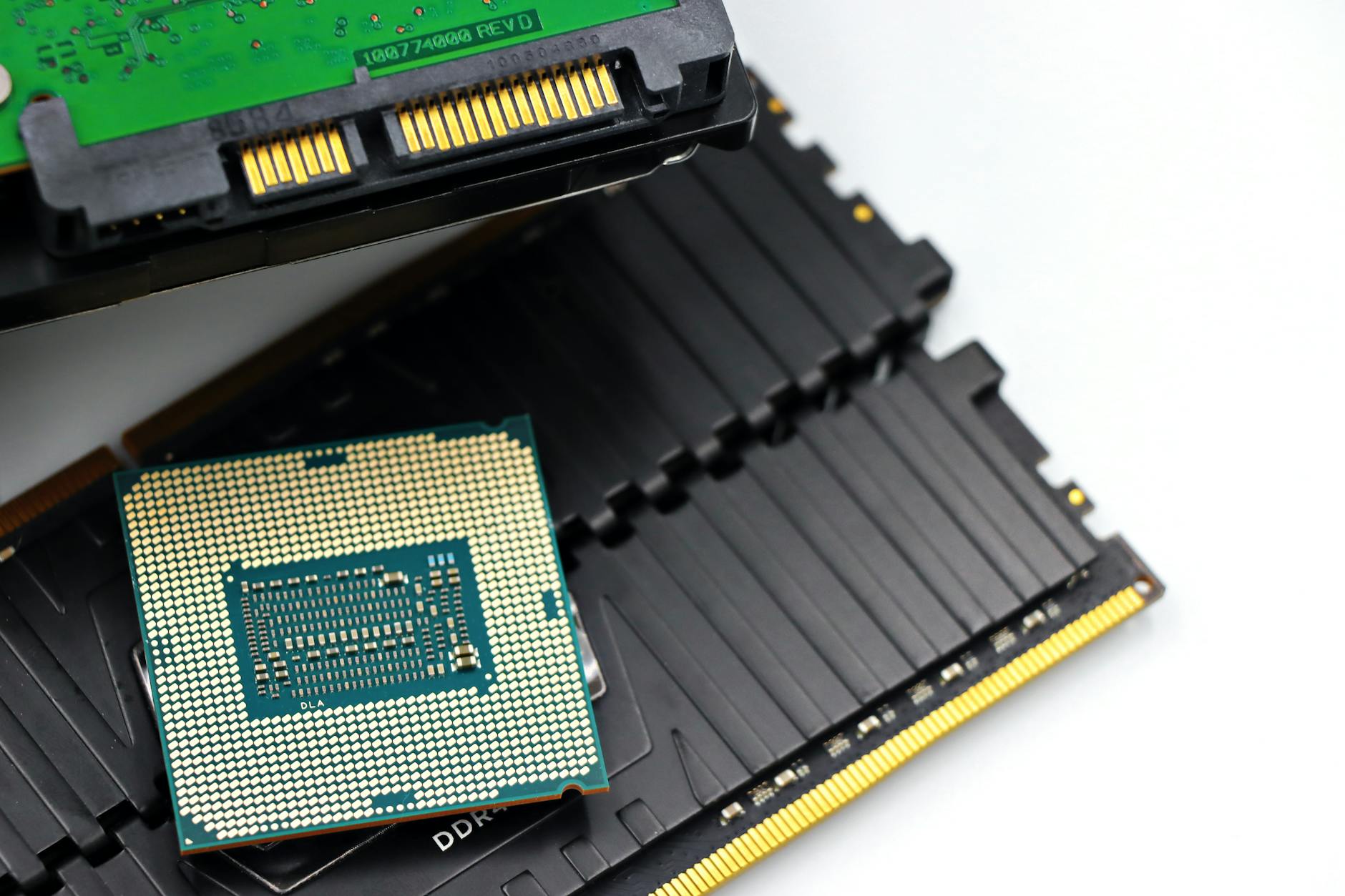
RAM (Random Access Memory) is the most volatile evidence source in digital forensics. When the computer powers off, RAM is gone. This creates a critical decision point for investigators: preserve volatile memory before shutting down the device, or risk losing data that exists nowhere else.
A properly acquired RAM dump can contain: running process data, network connections, open files, typed commands, clipboard content, encryption keys, and artifacts from applications that don’t write to disk.
Why RAM Evidence Matters
Several categories of evidence exist only in RAM:
Encryption keys: BitLocker, VeraCrypt, and other full-disk encryption tools hold decryption keys in RAM while the system is running. Acquiring RAM from a running encrypted system can yield the key needed to access the encrypted disk.
In-memory malware: Fileless malware executes entirely in RAM, leaving no disk artifacts. Capturing RAM is the only way to document its presence.
Network connections: Active network connections and recent connections are visible in RAM, revealing C2 (command and control) servers or data exfiltration activity.
Process and application state: Currently open documents, browser session data, chat windows, and application state are in RAM. These may not be written to disk until the application is closed.
Typed text: Keystrokes and typed content may be cached in process memory.
Credentials: Passwords entered into applications, session tokens, and authentication data may reside in RAM.
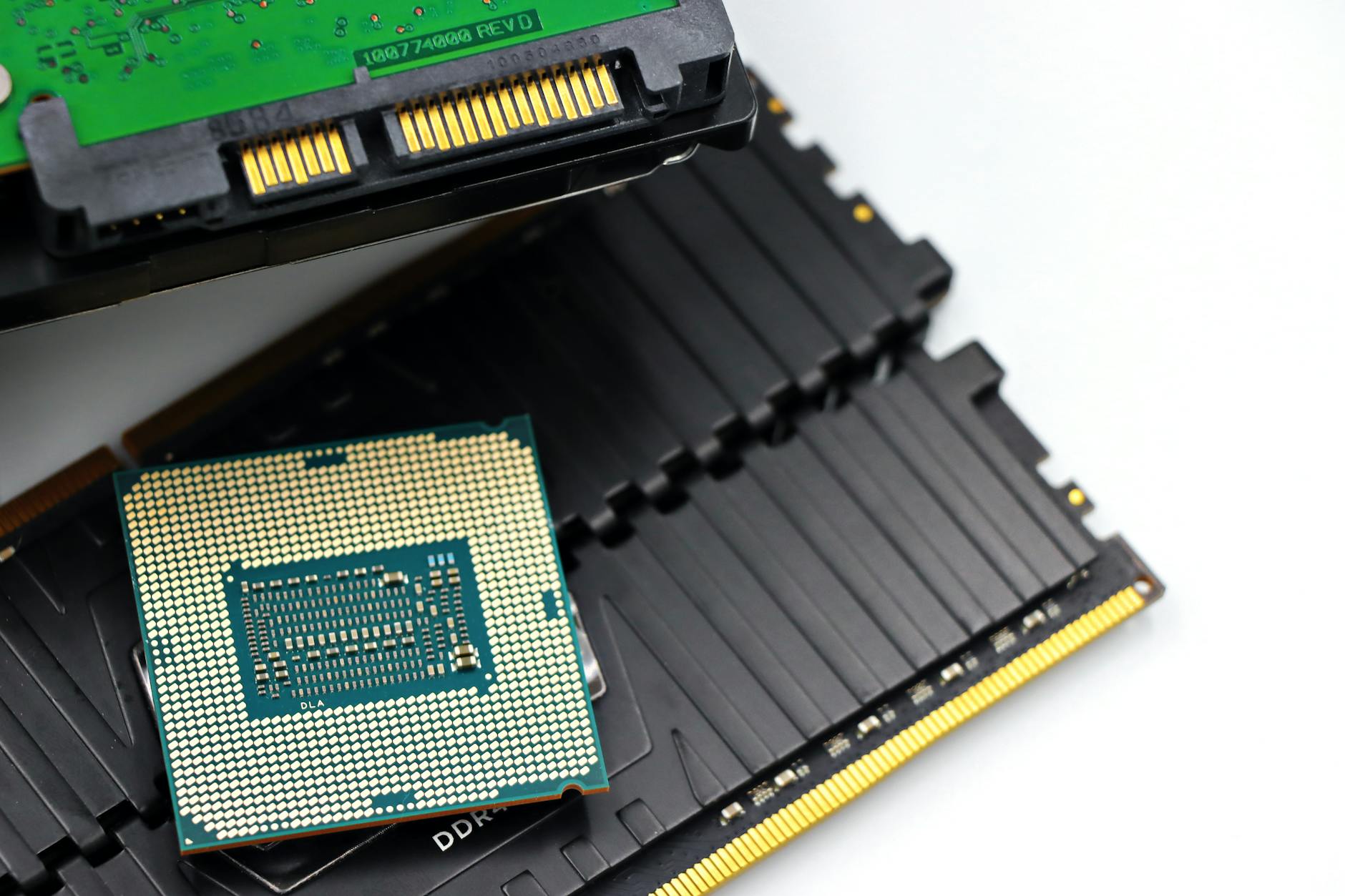
Memory Acquisition Tools
WinPmem: Open-source memory acquisition tool for Windows. Produces raw or AFF4 format memory images. Widely used and legally defensible.
DumpIt (Comae): Single-executable Windows RAM acquisition tool. Used by law enforcement and incident responders for its simplicity.
Magnet RAM Capture: Free tool from Magnet Forensics. Simple GUI, produces raw .mem files. No installation required.
LiME (Linux Memory Extractor): Kernel module for Linux memory acquisition. Loaded as a kernel module and dumps RAM over network or to local storage.
OSXPmem / MacPmem: macOS memory acquisition tool. Increasingly restricted by Apple’s security model in newer macOS versions.
Live View / volatility-compatible formats: Volatility, the primary open-source memory analysis framework, reads multiple image formats.
The Acquisition Process
1. Decision: Determine if live acquisition is appropriate. If the system is running and encryption or volatile evidence is suspected, acquire RAM first.
2. Documentation: Photograph the running screen. Note the system time, logged-in user, and running applications.
3. Tool execution: Run the acquisition tool from external media (USB drive). Do not install tools on the suspect system.
4. Write to external storage: RAM image goes to investigator-controlled external storage, not the suspect system’s disk.
5. Hash verification: Hash the RAM image immediately after acquisition.
6. Shutdown documentation: Document the state before shutdown and the method of shutdown.
Analyzing Memory with Volatility
Volatility is the standard open-source RAM analysis framework. It runs against a RAM image and provides:
`pslist` / `pstree`: Lists all running processes, their PIDs, parent PIDs, and start times.
`netscan` / `connections`: Shows active and recently closed network connections.
`cmdline`: Shows the command line arguments for every running process.
`dlllist`: Lists DLLs loaded by each process — helpful for malware identification.
`filescan` / `dumpfiles`: Lists and extracts files open in memory.
`hashdump`: Extracts Windows password hashes from the registry hives in memory.
`mempages` / `memmap`: Memory mapping for finding artifacts in process address spaces.
`malfind`: Identifies memory regions with executable permissions that weren’t mapped from a file — common indicator of injected code.
Memory Analysis and Encryption Keys
BitLocker: Volatility’s `bitlocker` plugin can extract BitLocker volume master keys (VMKs) from RAM on Windows systems. These can then be used to decrypt the BitLocker volume even without the recovery key.
VeraCrypt: VeraCrypt keys can be found in RAM using the Elcomsoft Forensic Disk Decryptor or custom Volatility plugins.
TrueCrypt: Legacy tool; same approach as VeraCrypt.
This is why powering off an encrypted system before RAM acquisition destroys critical evidence.
FAQ: RAM Forensics
Q: How much RAM can a forensic tool capture at once?
A: The entire physical RAM. On modern systems with 32–64GB of RAM, acquisition produces a 32–64GB image file. Acquisition time varies — typically 5–20 minutes depending on transfer speed and RAM size.
Q: Does running the acquisition tool change the RAM?
A: Yes, minimally. Loading any tool into memory overwrites some content. This is unavoidable and is documented in forensic methodology. The impact is small compared to the value of the acquisition.
Q: Can RAM forensics be used on virtual machines?
A: Yes. Virtual machine RAM can be captured by suspending the VM (creating a .vmem file) or using tools on the host that access the VM’s memory. Suspended VM files are excellent forensic sources.
Q: How long does a typical forensic examination take?
A: Timelines vary based on data volume and case complexity. A single device may take one to three days; multi-device investigations can span weeks.
Q: What certifications should a digital forensics examiner hold?
A: Common certifications include EnCE, CFCE, CCE, and GCFE. Relevance depends on the examination type and the jurisdiction’s expectations.
Case Example
In a civil dispute, one party alleged digital evidence had been altered after a preservation obligation arose. The forensic examiner compared file system metadata against the litigation timeline and found several files modified after the preservation letter was received. A system cleanup utility had been run during the same period. The examiner documented the specific artifacts indicating post-preservation modifications, distinguishing between routine system operations and deliberate user actions, providing the court with a factual basis for evaluating the spoliation claim.
Practitioner Takeaways
- Verify forensic images with cryptographic hashing before analysis.
- Document every examination step for reproducibility.
- Cross-reference findings across multiple artifact types.
- Note tool versions used — behavior changes between versions affect reproducibility.
- Distinguish facts from inferences in your report.
See also: Nft Fraud Forensics | Tiktok Forensics | Employment Investigation Forensics
Need Professional Digital Forensics?
Octo Digital Forensics provides expert mobile forensics, data recovery, and digital investigation services for attorneys, insurance companies, and private investigators. Court-admissible reports. Certified examiners.
Contact: octodf.com | info@derickdowns.com | (858) 692-3306


