meta_title: Wi-Fi Forensics: Using Wireless Network Evidence to Place People and Devices | Digital Forensics Today
meta_description: Wi-Fi forensics: how investigators use wireless network logs, device connection records, and router logs to establish location, timeline, and device attribution in legal cases.
slug: wifi-forensics
primary_keyword: Wi-Fi forensics
secondary_keywords: wireless network investigation, router log forensics, Wi-Fi location evidence
Wi-Fi Forensics: Using Wireless Network Evidence to Place People and Devices
Wireless network forensics is a powerful but underutilized discipline. Most people connect their devices to Wi-Fi networks at home, at work, and in public places without considering that these connections are logged. Those logs can place a device — and by extension, a person — at a specific location at a specific time with more precision than cell tower records.
What Wi-Fi Forensics Covers
Wi-Fi forensic evidence is drawn from three primary sources:
1. Device-side artifacts — Wi-Fi connection history stored on the suspect’s device
2. Router and access point logs — Connection records kept by the network infrastructure
3. Commercial geolocation databases — Public databases mapping Wi-Fi access point BSSIDs to physical locations
Each source provides different information and requires different access.
Device-Side Wi-Fi Evidence
Modern operating systems maintain detailed records of Wi-Fi network connections:
Windows
macOS
iOS
Android
Router Log Forensics
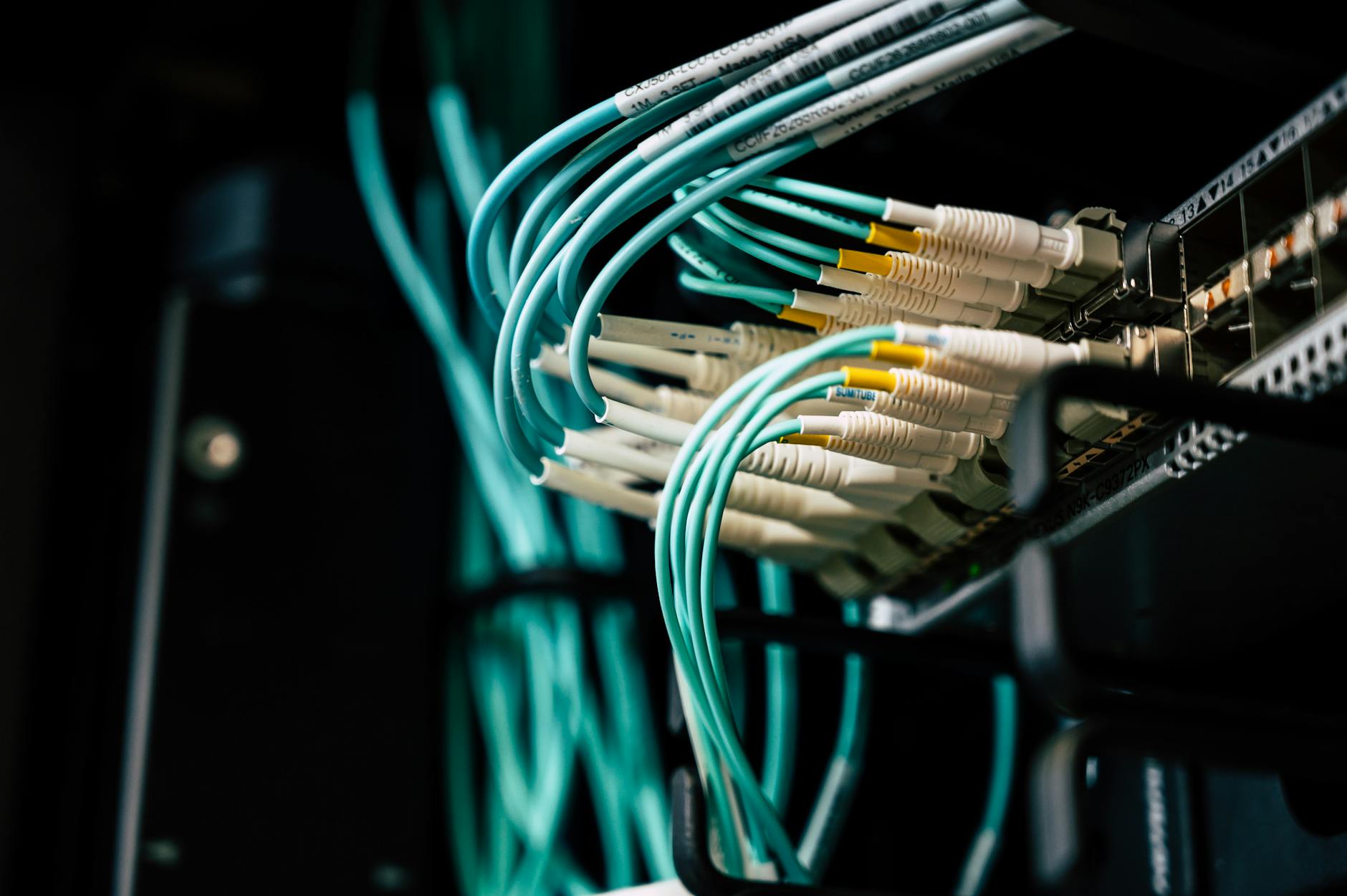
Consumer and enterprise routers maintain logs of DHCP assignments and, in many cases, connection events. The value of router logs depends on the router model and configuration:
DHCP Logs: Record which MAC address received which IP address and when. Tie device MAC addresses to IP address assignments with timestamps.
Connection Logs: On routers with logging enabled, record when specific MAC addresses connected and disconnected. Some routers retain weeks of history; others overwrite daily.
Access Point Authentication Logs: Enterprise Wi-Fi systems (Cisco Meraki, Aruba, Ubiquiti UniFi) maintain detailed logs of every device authentication event, including timestamps, signal strength, and the specific access point the device connected to. In environments with multiple access points, this can indicate which room or building area a device was in.
BSSID Geolocation
Every Wi-Fi access point broadcasts a BSSID (Basic Service Set Identifier) — the MAC address of the radio. Commercial databases like WiGLE.net, Google’s Wi-Fi geolocation service, and Apple’s Wi-Fi positioning system have catalogued billions of BSSIDs with GPS coordinates by crowdsourcing Wi-Fi scans from mobile devices.
When a device’s Wi-Fi connection history shows connections to a specific BSSID, that BSSID can be looked up in geolocation databases to establish the physical location of the access point — and therefore the approximate location of the device when it connected.
This technique is used in:
Probe Requests: The Passive Location Beacon
Wi-Fi devices broadcast “probe requests” — wireless signals searching for previously connected networks — even when not connected to any network. These broadcasts contain the SSIDs of networks the device is seeking.
Specialized monitoring equipment can capture these probe requests and log them with timestamps, effectively tracking device movement passively. This technique is used by law enforcement with appropriate authorization and by security researchers. It is also relevant in cases involving surveillance technology.
Legal Considerations
Accessing router logs on a network you don’t own typically requires legal process. However:
Wi-Fi location evidence obtained improperly — for example, by hacking into a router to pull logs — is inadmissible and may constitute a criminal act.
FAQ
Can Wi-Fi logs prove someone was home at a specific time?
Wi-Fi connection logs can prove a device was connected to a specific network at a specific time. Establishing that the device’s owner was the person using it at that moment requires additional corroborating evidence. In most cases, a combination of Wi-Fi connection logs, device activity logs, and contextual evidence provides a compelling timeline.
How long do routers keep logs?
Consumer routers typically retain logs for days to weeks, depending on the logging level and storage capacity. Enterprise-grade access points configured for compliance may retain logs for 90 days or more. Act quickly — router log evidence has a short shelf life.
Can a VPN hide Wi-Fi connection evidence?
A VPN hides the content of internet traffic from the router but does not prevent the router from logging that the device connected. The device’s own Wi-Fi connection history is also unaffected by VPN use — the VPN encrypts traffic after the Wi-Fi connection is established.
Wi-Fi forensics for your investigation?
Octo Digital Forensics analyzes Wi-Fi connection artifacts from devices, router logs, and geolocation databases to establish device location timelines for legal proceedings.
Visit [octodigitalforensics.com](https://octodigitalforensics.com).
See also: Nft Fraud Forensics | Tiktok Forensics | Employment Investigation Forensics
Need Professional Digital Forensics?
Octo Digital Forensics provides expert mobile forensics, data recovery, and digital investigation services for attorneys, insurance companies, and private investigators. Court-admissible reports. Certified examiners.
Contact: octodf.com | info@derickdowns.com | (858) 692-3306


