meta_title: Mac Forensics Guide: Investigating Apple macOS Systems | Digital Forensics Today
meta_description: Complete Mac forensics guide covering macOS artifact locations, APFS imaging, Keychain analysis, Time Machine backups, and tools used by professional examiners.
slug: mac-forensics-guide
primary_keyword: Mac forensics
secondary_keywords: macOS investigation, Apple computer forensics, APFS forensics
Mac Forensics Guide: Investigating Apple macOS Systems
Mac forensics presents a distinct set of challenges compared to Windows investigations. Apple’s proprietary APFS file system, hardware encryption on Apple Silicon Macs, the iCloud ecosystem integration, and macOS-specific artifact locations require specialized knowledge that doesn’t transfer directly from Windows forensic work.
APFS and File System Imaging
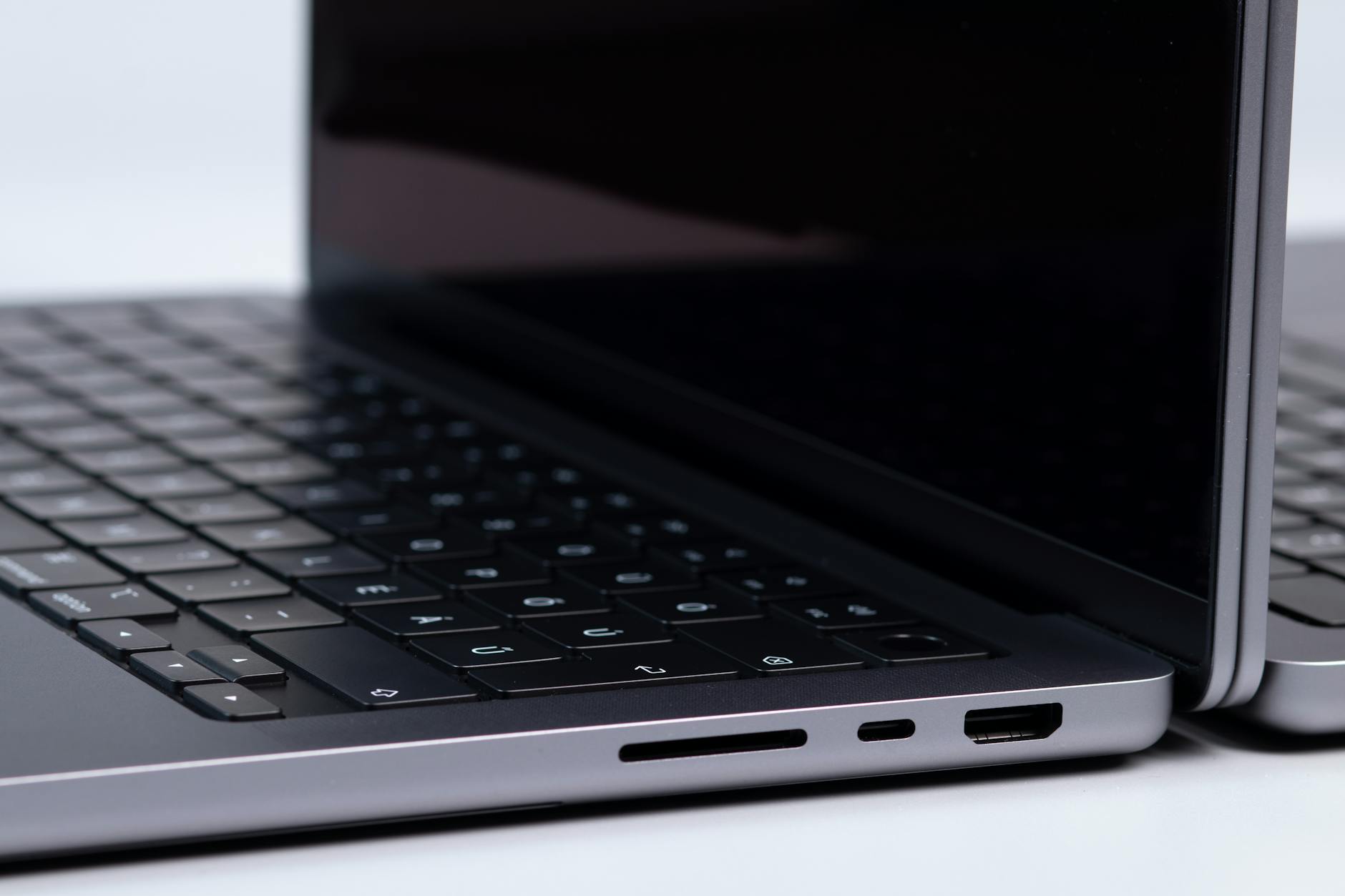
Modern Macs use APFS (Apple File System), which replaced HFS+ in 2017. APFS introduces forensic complexity:
Forensic imaging of a Mac requires APFS-aware tools. FTK Imager, Paladin (a forensic Linux distribution), and Cellebrite Commander all support APFS imaging with snapshot enumeration.
Apple Silicon Macs: The T2 and M-Series Challenge
Intel Macs with T2 chips and Apple Silicon Macs (M1, M2, M3, M4) use hardware-level encryption tied to the Secure Enclave. This means:
For many current Macs, the practical path to data access requires the login password. Examiners must plan accordingly before examination.
Key macOS Artifact Locations
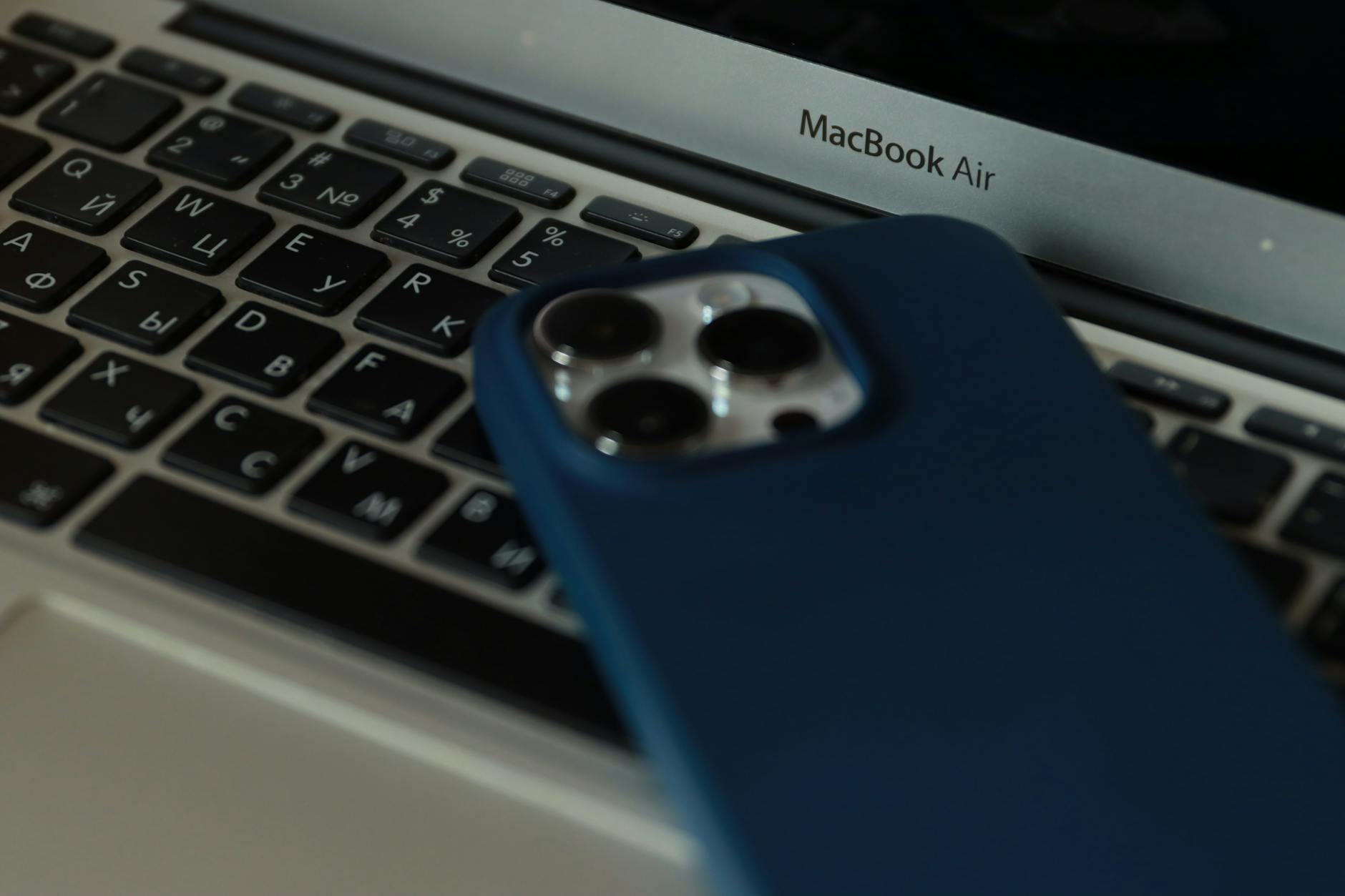
Unlike Windows, macOS keeps its most valuable forensic artifacts in consistent, well-documented locations:
User Activity
System Logs
User Accounts and Authentication
Application Artifacts
The Unified Log: The Mac Investigator’s Best Friend
The macOS Unified Log (introduced in Sierra) replaced traditional text log files. It records system and application events in a binary format that provides:
The Unified Log is critical for reconstructing a timeline of user activity on a Mac. Tools like Mandiant’s `ULF` (Unified Log Fetcher) and commercial forensic platforms parse Unified Log archives into timeline-ready formats.
Time Machine Backups
Time Machine creates incremental backups that preserve historical file system states. For investigators, Time Machine backups can contain:
Time Machine backups are stored locally (on external drives) or on a network-attached Time Capsule/NAS. Both are forensically accessible — the backups use standard APFS or HFS+ volumes that can be imaged normally.
iCloud Integration on Mac
Modern Macs with iCloud Desktop and Documents enabled automatically sync the user’s Desktop and Documents folders to iCloud Drive. This means files may not be locally present (shown as cloud icons in Finder) — they require either the Apple ID credentials or legal process to Apple to retrieve.
FAQ
Can a Mac be forensically imaged without the login password?
On older Macs (pre-T2 chip), the internal SSD can be removed and imaged externally. On T2 and Apple Silicon Macs, this is not possible due to hardware encryption. These newer Macs require either the login password, macOS Recovery mode access, or legal process to Apple for iCloud data.
What forensic tools are best for Mac investigations?
Widely used tools include BlackBag BlackLight (acquired by Cellebrite), Magnet AXIOM, and Paladin forensic Linux distribution. Each has varying levels of macOS artifact parsing. AXIOM’s artifact library for macOS is particularly comprehensive for messaging and browser artifacts.
Are Mac logs retained after a factory reset?
A factory reset (reinstalling macOS) wipes the user data partition. The Unified Log archive does not survive a factory reset. Time Machine backups, if on an external drive not wiped by the user, are the primary post-reset evidence source.
Mac forensics for a civil investigation or criminal defense?
Octo Digital Forensics handles macOS examinations including APFS imaging, iMessage extraction, Unified Log analysis, and Time Machine backup review. Court-ready reports, expert witness available.
Visit [octodigitalforensics.com](https://octodigitalforensics.com).
See also: Attorneys Guide Engaging Digital Forensics Examiner | Nft Fraud Forensics | Tiktok Forensics
Need Professional Digital Forensics?
Octo Digital Forensics provides expert mobile forensics, data recovery, and digital investigation services for attorneys, insurance companies, and private investigators. Court-admissible reports. Certified examiners.
Contact: octodf.com | info@derickdowns.com | (858) 692-3306


