meta_title: Printer Forensics: What Printers Record and How Investigators Use It | Digital Forensics Today
meta_description: Printer forensics: hidden tracking dots, print spool logs, printer hard drive artifacts, and how printers document what was printed, when, and from which device.
slug: printer-forensics
primary_keyword: printer forensics
secondary_keywords: printer hard drive forensics, print log investigation, document tracking dots
Printer Forensics: What Printers Record and How Investigators Use It
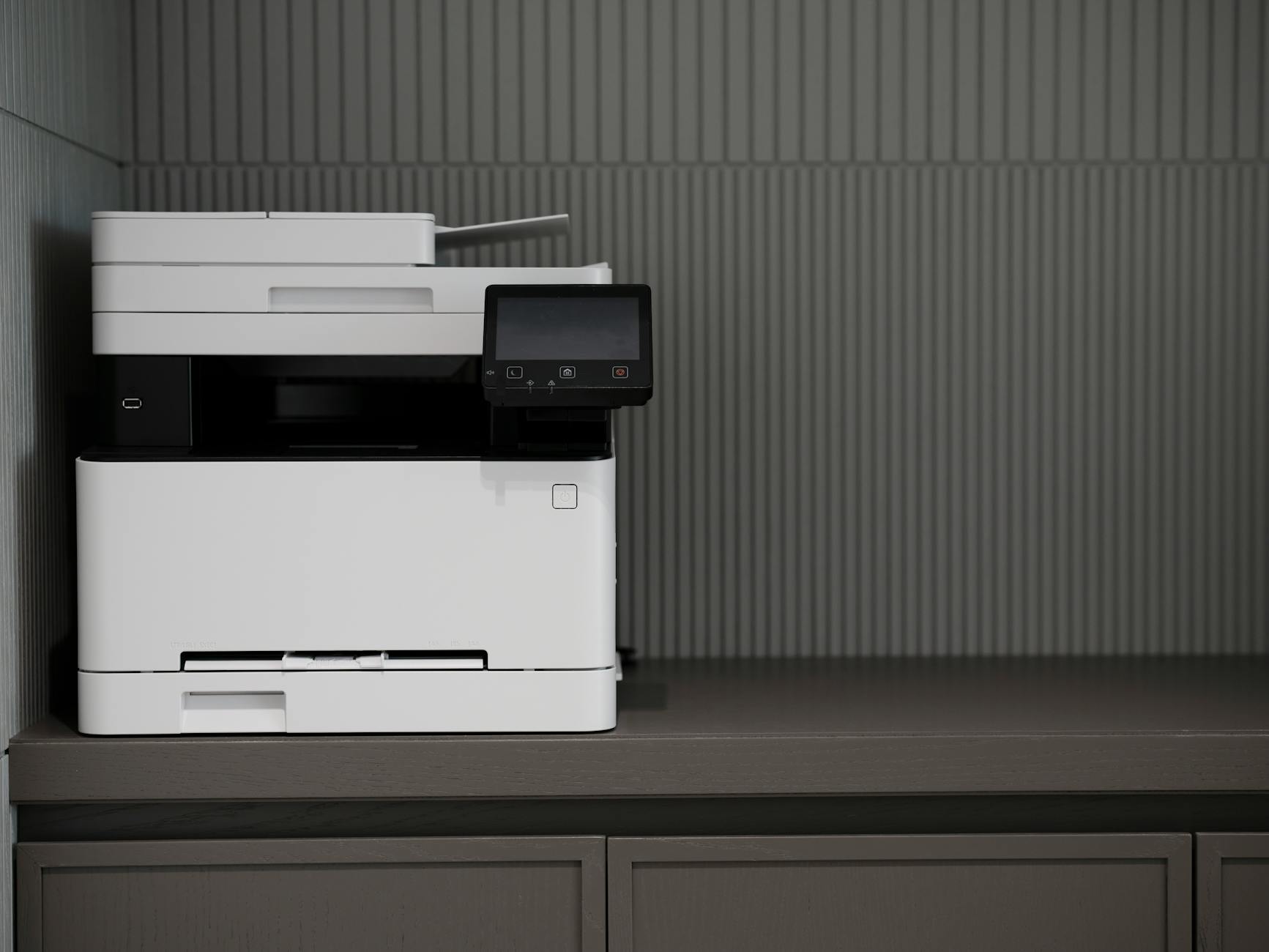
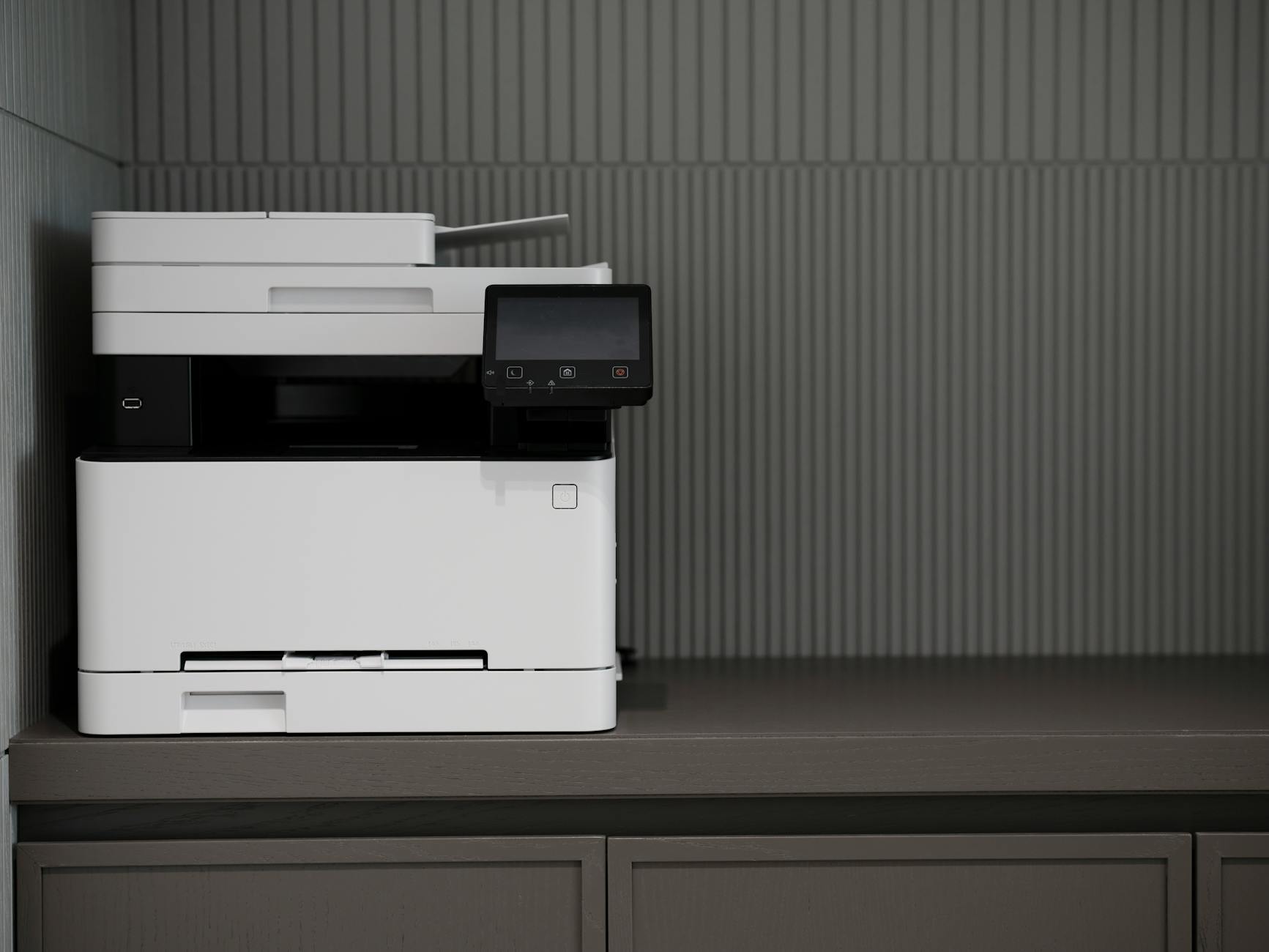
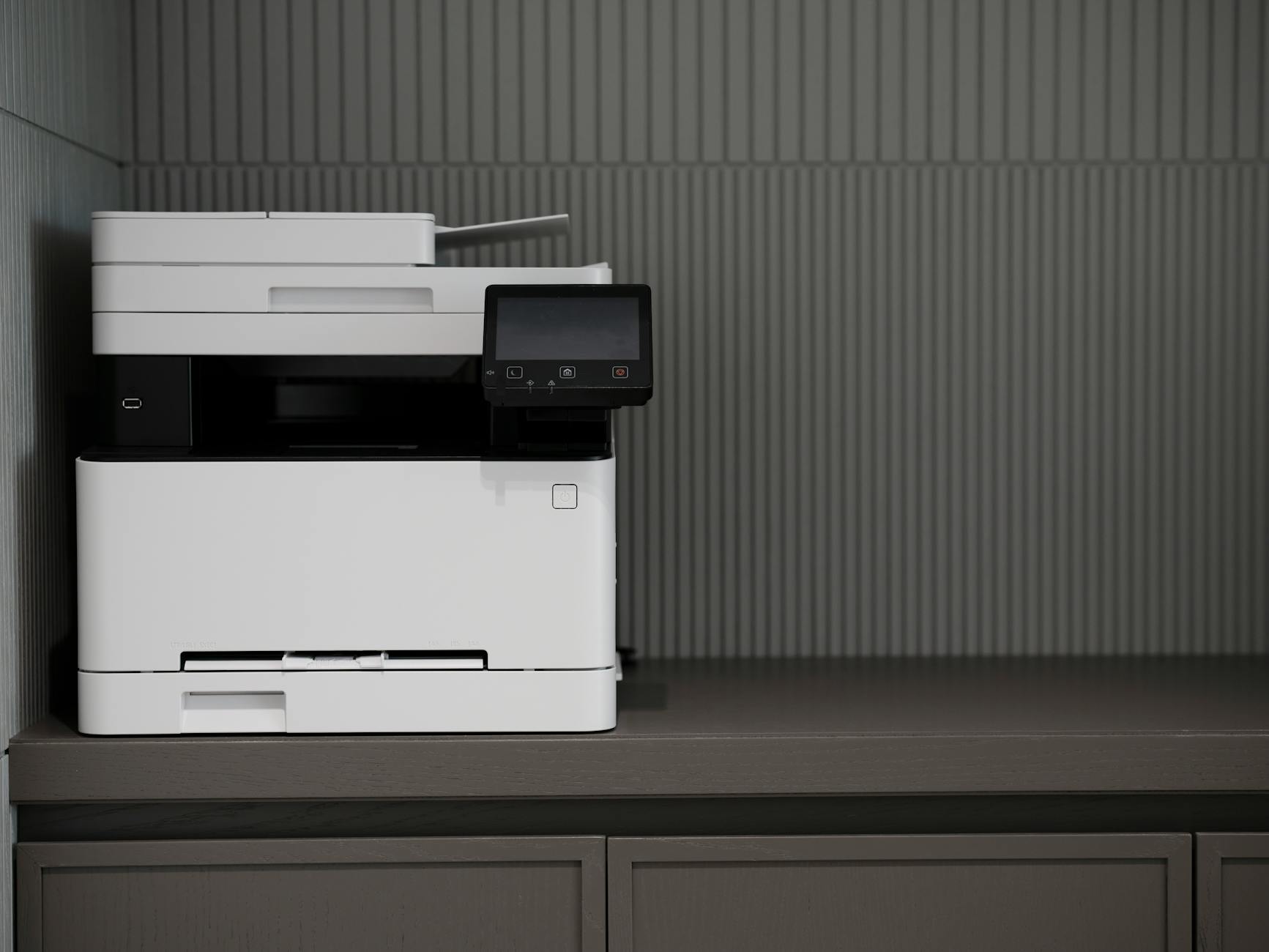
Printers are rarely the first device investigators think to examine, but they are among the most underexamined sources of digital evidence. Modern networked printers are effectively computers — they run operating systems, maintain print logs, store document copies in internal memory, and in some cases embed hidden tracking data in every page they produce.
What Modern Printers Record
Print Logs
Enterprise printers and copiers maintain detailed print logs recording:
In organizations with print management software (PaperCut, Pharos, Equitrac), print logs are retained centrally on a server and are independent of the printer itself. These logs have been used extensively in insider threat and document theft investigations.
Internal Storage
Most modern multifunction printers (MFPs) include an internal hard drive or solid-state storage that temporarily stores print jobs, scan jobs, and copy jobs. Some devices retain these images until they are manually cleared. Depending on the device configuration:
The retention period varies by manufacturer and configuration. Many organizations never configure automatic purging of stored jobs, leaving a substantial archive of documents on the device.
Copy Machine Forensics
Office copiers are sometimes overlooked as print forensics targets. A copier scan-to-email operation generates the same evidence as a print job: a digital copy of the document, a timestamp, the originating email address, and the destination.
Yellow Dots: Machine Identification Codes
Most color laser printers manufactured since the early 1990s embed a pattern of tiny yellow dots in every printed page. These dots are invisible to the naked eye but visible under blue light or with digital enhancement.
The dot pattern encodes:
This technology — called Machine Identification Codes (MIC) or “printer dots” — was developed at the request of government agencies to trace the origin of counterfeit currency. It has been used in leak investigations to identify the printer used to produce leaked documents. The EFF has documented the dot patterns for many printer models, and decoding tools are available.
Spool File Forensics (Windows)
When a document is sent to a Windows printer, the print spooler creates temporary files:
By default, spool files are deleted after the job completes. However, on a forensic image, deleted spool files can be recovered through file carving if storage pages haven’t been overwritten. The `.SHD` shadow files are particularly valuable — even a partial recovery often yields the document name, username, and timestamp of the print job.
Network Print Evidence
In a networked print environment, the print job travels from the user’s device to the printer over the network. This traffic may be captured in:
Investigating Document Leaks Through Printer Forensics
Document leak investigations combine multiple printer forensic techniques:
1. Examine the leaked physical document under UV light for yellow dot encoding
2. Decode the dots to identify the printer’s serial number
3. Cross-reference the serial number with the organization’s printer inventory
4. Pull print logs from that printer or the organization’s print management system
5. Identify which user account submitted a print job matching the leaked document’s parameters
6. Corroborate with the user’s computer forensic evidence (file access logs, USB usage)
This process has identified the source of government and corporate document leaks in multiple documented cases.
FAQ
Are yellow dots present on inkjet printers?
Machine Identification Codes have been primarily documented in color laser printers. Some inkjet printers may embed similar tracking information, but documentation of inkjet-specific MIC patterns is less extensive. The technology is most consistently documented for laser-based devices.
Can a printer’s internal hard drive be forensically imaged?
Yes. MFP hard drives use standard SATA connections and can be removed and imaged using the same hardware write-blocker and imaging tools used for computer drives. The file system is typically a proprietary format, but many common MFP brands have documented file system structures that forensic examiners can parse.
What if the printer logs were cleared?
Printer log clearing on an enterprise print server generates its own audit event. If the print management software maintains its own logs separately from the printer, clearing the printer’s memory doesn’t clear the server-side records. The Windows print spooler event log on the print server may also retain entries independent of the printer’s memory.
Printer forensics for a document leak or insider threat investigation?
Octo Digital Forensics performs printer log analysis, MIC dot decoding, and MFP hard drive examination for corporate investigations and legal proceedings.
Visit [octodigitalforensics.com](https://octodigitalforensics.com).
See also: Nft Fraud Forensics | Tiktok Forensics | Employment Investigation Forensics
Need Professional Digital Forensics?
Octo Digital Forensics provides expert mobile forensics, data recovery, and digital investigation services for attorneys, insurance companies, and private investigators. Court-admissible reports. Certified examiners.
Contact: octodf.com | info@derickdowns.com | (858) 692-3306


