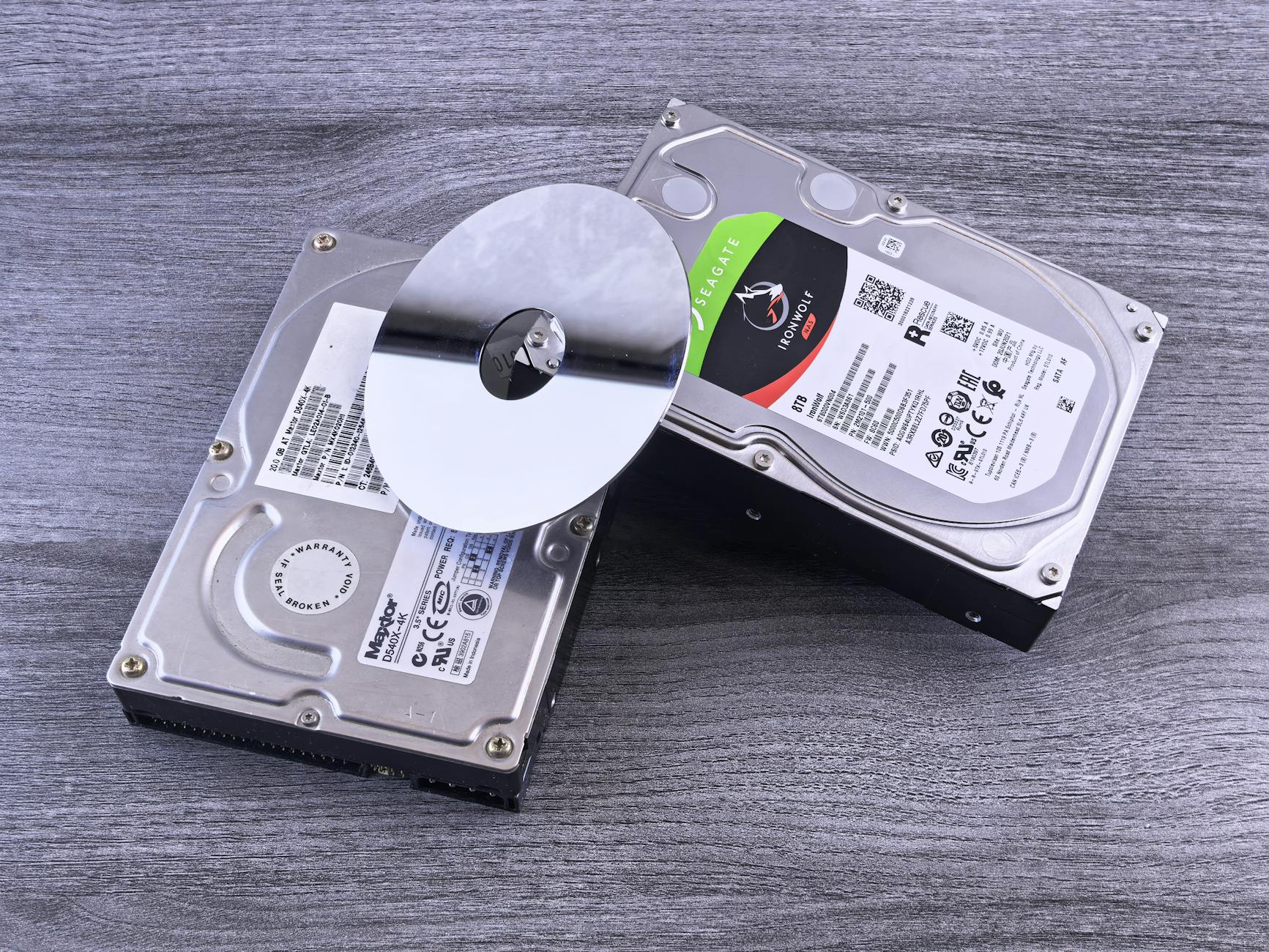
Forensic hard drive imaging is the first and most critical step in any computer forensics investigation. Everything else — file analysis, deleted data recovery, timeline reconstruction — depends on a forensically sound copy of the original drive.
Done correctly, imaging preserves every bit of data on the original and produces a verified copy that can be examined without risking the original evidence.
What Forensic Imaging Is (and Isn’t)
A forensic image is a bit-for-bit copy of a storage device — every sector, including unallocated space, deleted files, slack space, and system areas that a standard file copy would miss.
This is different from:
Forensic imaging captures everything: the file system, every file, unallocated space where deleted files may reside, slack space between file data and sector boundaries, and metadata that records dates, times, and file attributes.
Write Blockers — Non-Negotiable
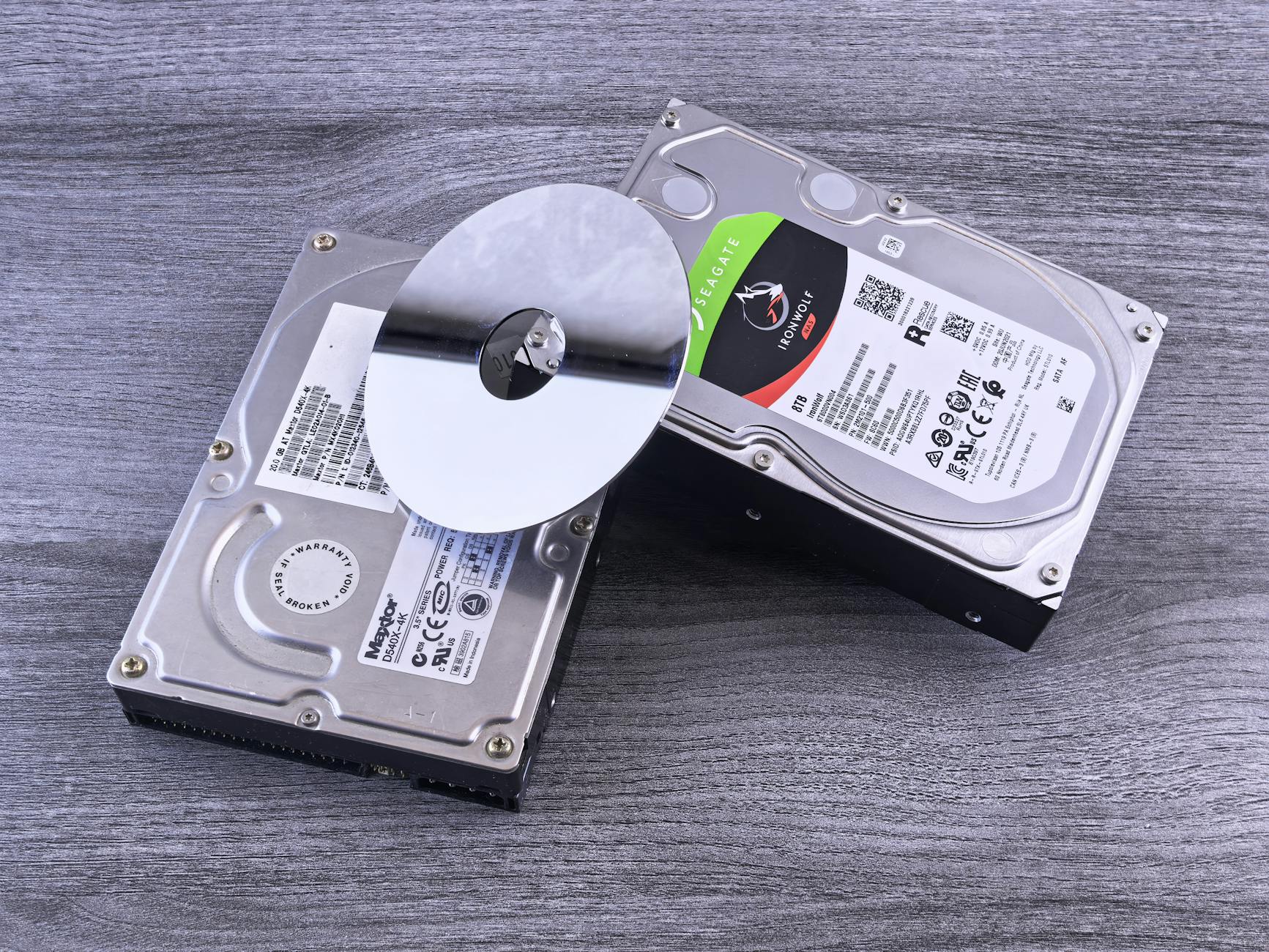
Before connecting a suspect drive to a forensic workstation, a write blocker must be used. A write blocker is a hardware or software device that permits reads from the drive but prevents any writes to it.
Without a write blocker:
Hardware write blockers (Tableau, WiebeTech, Logicube) are preferred over software write blockers for evidentiary purposes. They’re transparent to the OS and maintain a clear hardware-level barrier.
Software write blockers built into forensic tools are acceptable in some jurisdictions but require documentation of the specific tool and version used.
Common Forensic Image Formats
DD (raw): The simplest format — a direct bit-for-bit copy with no metadata. Large file, no built-in compression, no built-in hash validation. Used widely in Unix/Linux forensics.
E01 (EnCase Evidentiary Format): The most common format in law enforcement. Includes: compression, built-in hash verification, case metadata (examiner name, case number, acquisition date), and segmented files (no 4GB file size limit). Supported by virtually every forensic tool.
AFF (Advanced Forensic Format): Open-source format with similar features to E01. Less commonly used but supported by major tools.
SMART (Expert Witness Compression Format): An older format still seen in legacy cases.
For most investigations, E01 is the best choice — it’s universally supported and includes built-in integrity verification.
Imaging Tools
FTK Imager (free): AccessData’s free imaging tool. Produces DD, E01, and AFF formats. Widely used, well-documented, and accepted in courts.
dd / dcfldd (Linux): Command-line tools for raw imaging. `dcfldd` adds hash verification on-the-fly. Forensic-grade with proper documentation but less examiner-friendly than GUI tools.
Guymager (Linux, free): GUI frontend for forensic imaging on Linux. Produces E01 and AFF. Popular in European forensic labs.
Tableau Forensic Duplicator: Standalone hardware imaging device — no computer needed. Images drives directly to an output drive or network storage. Preferred for field acquisition.
Cellebrite UFED 4PC: For mobile storage devices and some specialized media.
Hash Verification — Proving Integrity
After imaging, the forensic image is hashed and compared against the hash of the original drive. If both hashes match, the image is a verified, unaltered copy.
Standard practice:
1. Hash the original drive (MD5 and/or SHA-1/SHA-256)
2. Create the forensic image
3. Hash the image
4. Compare — hashes must match
Any modification to even one bit of the image changes the hash completely. This is the mathematical proof that the image hasn’t been altered.
Most forensic imaging tools compute hashes automatically during acquisition and embed them in the image file or generate a separate hash log.
Imaging Damaged or Failing Drives
Standard imaging tools fail or produce errors when drives have bad sectors. Specialized tools for damaged drive imaging:
ddrescue: Open-source command-line tool that makes multiple imaging passes, retrying bad sectors and mapping the damage. Much more effective than `dd` on damaged media.
R-Studio: Commercial tool with good damaged media support.
Envieta / DeepSpar Disk Imager: Hardware solutions for severely damaged drives. Used when drives show symptoms of head damage or electronic failure.
When a drive has bad sectors, document every bad sector in the case notes. A forensic image from a damaged drive with documented bad sectors is still evidentiary — the examiner notes which areas couldn’t be imaged.
FAQ: Hard Drive Imaging
Q: How long does forensic imaging take?
A: Depends on drive size and interface. At USB 3.0 speeds (~100-120 MB/s), a 1TB drive takes approximately 2–3 hours. SATA native connections image faster. Damaged drives with bad sectors can take much longer due to retries.
Q: Should the original drive be imaged or can examiners work from the image?
A: Always work from the image (or a copy of the image). The original drive goes into evidence storage and should never be powered on again unless absolutely necessary. If the image is corrupted, you can go back to the original.
Q: Can SSDs be imaged the same way as traditional hard drives?
A: The imaging process is similar, but SSDs have unique forensic considerations — TRIM commands can immediately erase deleted data, and wear leveling spreads data across the drive in ways that complicate sector-level analysis. Seizing an SSD powered off (to prevent TRIM) is recommended.
Q: How long does a typical forensic examination take?
A: Timelines vary based on data volume and case complexity. A single device may take one to three days; multi-device investigations can span weeks.
Q: What certifications should a digital forensics examiner hold?
A: Common certifications include EnCE, CFCE, CCE, and GCFE. Relevance depends on the examination type and the jurisdiction’s expectations.
Case Example
In a civil dispute, one party alleged digital evidence had been altered after a preservation obligation arose. The forensic examiner compared file system metadata against the litigation timeline and found several files modified after the preservation letter was received. A system cleanup utility had been run during the same period. The examiner documented the specific artifacts indicating post-preservation modifications, distinguishing between routine system operations and deliberate user actions, providing the court with a factual basis for evaluating the spoliation claim.
Practitioner Takeaways
- Verify forensic images with cryptographic hashing before analysis.
- Document every examination step for reproducibility.
- Cross-reference findings across multiple artifact types.
- Note tool versions used — behavior changes between versions affect reproducibility.
- Distinguish facts from inferences in your report.
See also: Imessage Database Schema Court Presentation | Testifying Plaintiff Vs Defense | Ip Theft Browser History Case
Need Professional Digital Forensics?
Octo Digital Forensics provides expert mobile forensics, data recovery, and digital investigation services for attorneys, insurance companies, and private investigators. Court-admissible reports. Certified examiners.
Contact: octodf.com | info@derickdowns.com | (858) 692-3306


